PRODUCT UPDATES / YANOLA TEAM
A workspace for the work between tools
An Agent Project brings your WhatsApp numbers, conversations, workflows, and connected services into one workspace. Start by preparing your project and connecting the tools you need.
Build, test, and follow the work
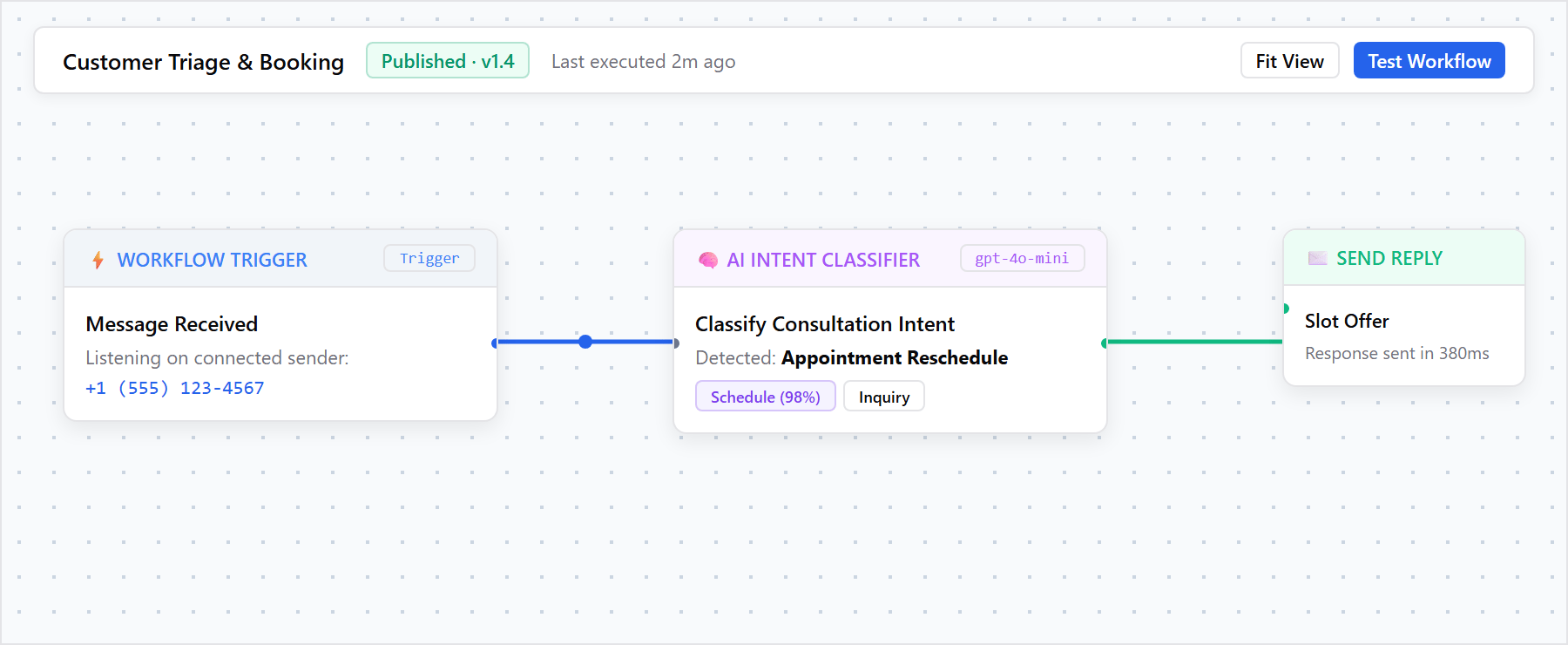
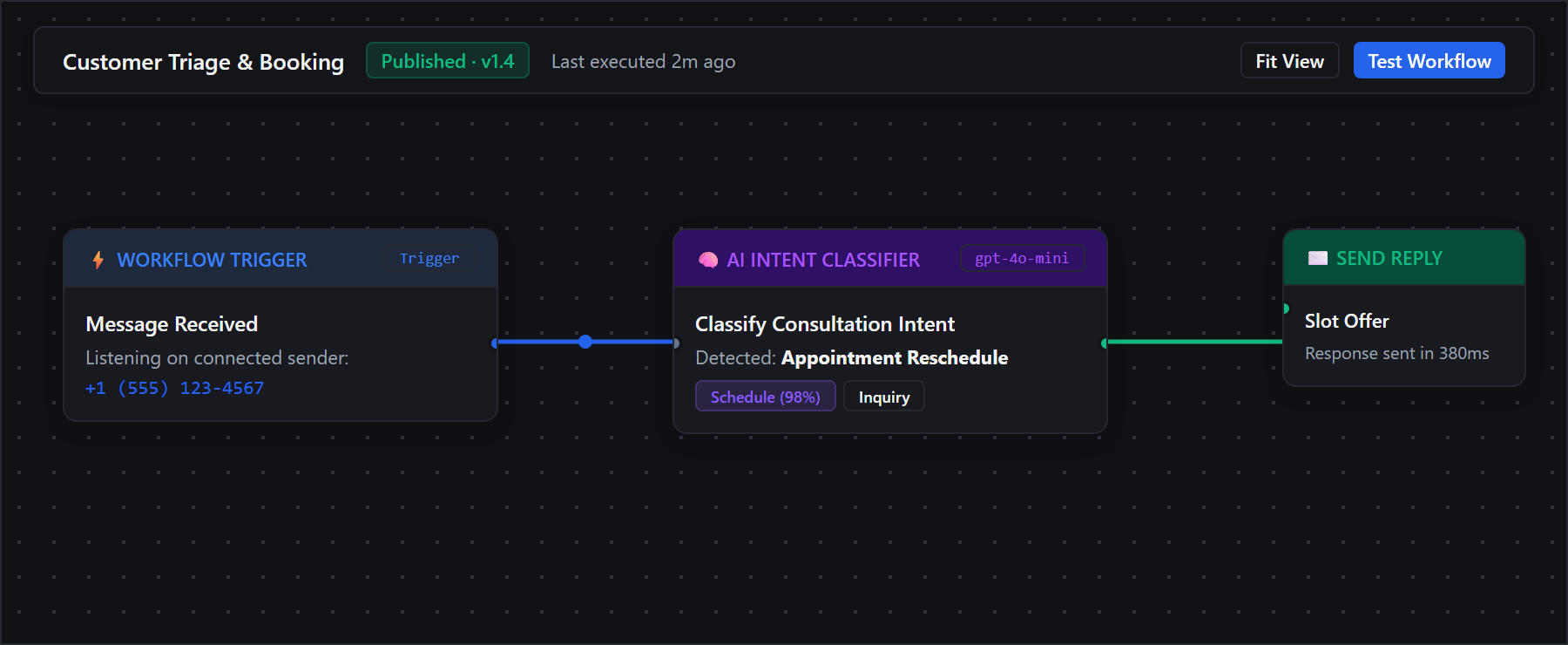
Use the visual builder to connect triggers and actions. Test the workflow before activating it, then inspect its activity to understand what happened at each step.
Go further with the Developer Platform
Connect your application using API keys and webhooks. Test Mode lets you validate supported requests without sending live WhatsApp messages. The documentation explains access, limits, and the transition to Live Mode.